The Workbench
Everything for our builds in one place. Hover a part to discover what it is. Pick a project and follow the steps exactly. Talk to a chip, flash it, or ask for help. Two big builds: the Port Communicator and the Drone, both starting from your Freenove kit.
Son — you've never done this before, and that's fine. Every project tells you exactly what to grab and where each wire goes. Go slow, do one step at a time, and ask if anything is confusing. — Dad
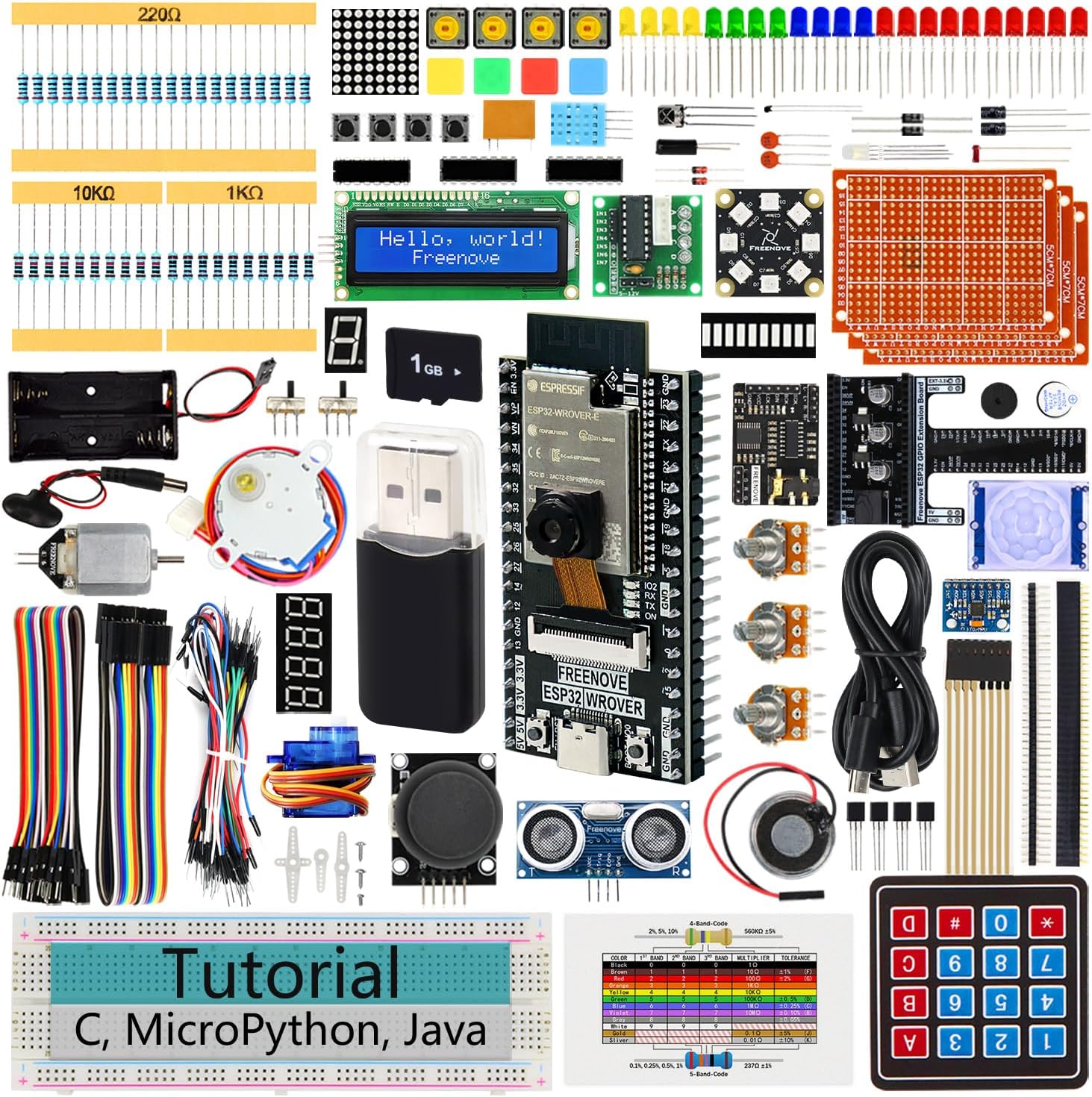
👆 Hover (or tap) a numbered dot on the photo to name that part. The cards below give the full details.
Pick a project
Tap any card for the full step-by-step. Start at the top and work down. Each one lists exactly what to grab and where every wire goes.
Talk to a chip
Plug an ESP32 into this computer with a USB-C cable, then connect below to watch what it's saying and send it commands. (Chrome or Edge, on a computer.) This is a piece of the Port Communicator.
Flash MicroPython (one click)
This puts MicroPython onto the ESP32-S3 so you can write Python on it with Thonny. Plug the board in, click Install, pick the port, and let it run. (Chrome/Edge only.) One-time thing per board.
Ask for help
Stuck? Ask in plain words. It answers common things right away; if Dad switched on the live helper, it can answer anything about your parts and projects.